Social Ads
Boost campaign content as paid social. Paid-ads rights come first, the ad is created paused, and Demo mode simulates every boost.
Social Ads turns content from the campaign into a paid social campaign on Meta, with your own targeting and budget. The Social Ads tab reports on every boost and controls its lifecycle. You start a boost from the Posts tab.
Before you start
Without paid-ads rights the Boost button never appears
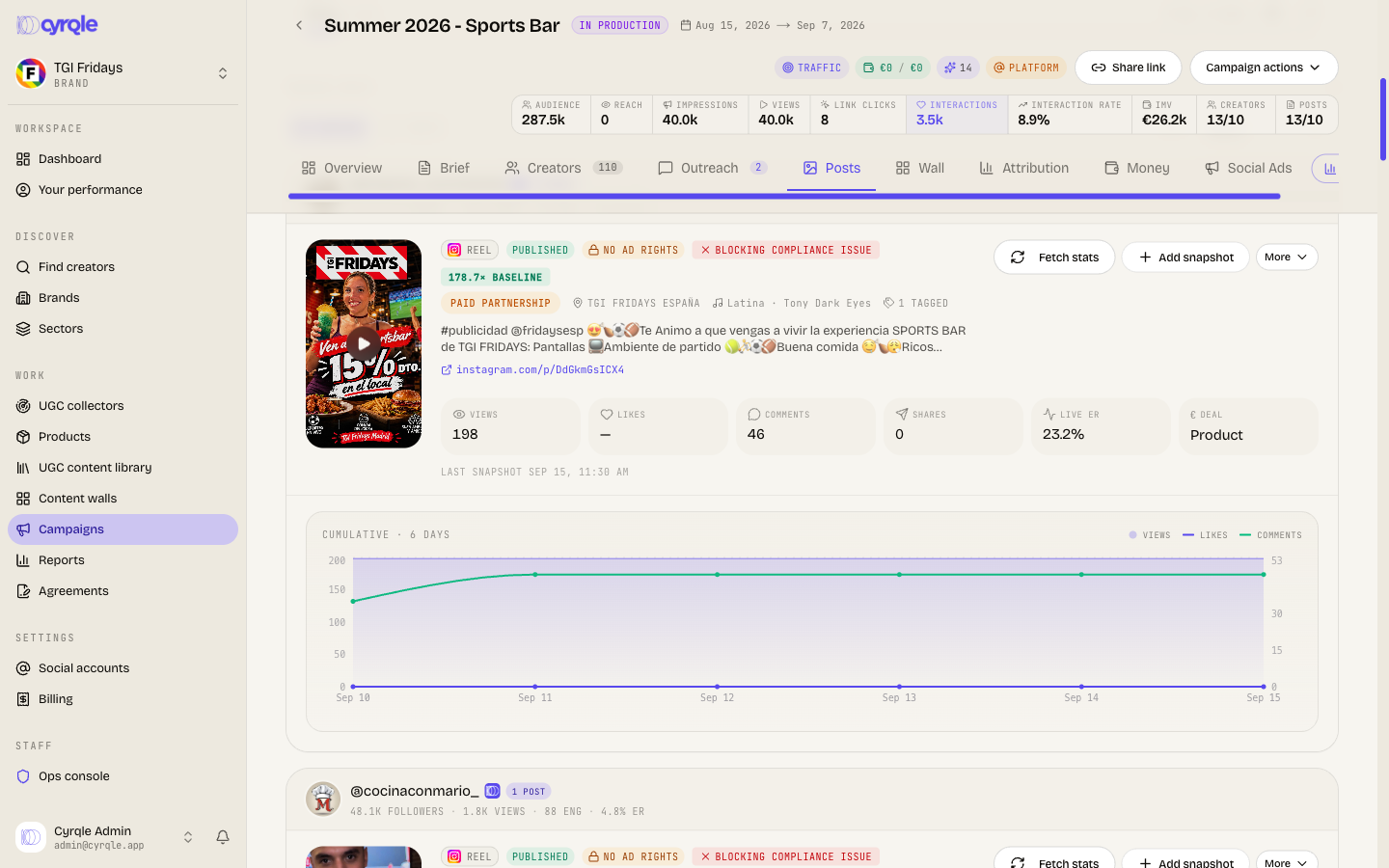
Boosting needs a paid-ads licence on this campaign's content. The paid-ads checkbox on the offer is off by default and is frozen into the agreement the moment you send it. If you skipped it, no post in the campaign is boostable, so Cyrqle shows no Boost button at all rather than a disabled one. Read Set paid-ads rights on the offer before you send any offer on a campaign you might advertise.
The Social Ads tab shows a banner when boosts are not real. Demo mode reads "boosts are simulated. No real ad is created and nothing is spent." Test mode reads "boosts hit the test ad account. Real API calls, no spend." Simulated figures still land in the campaign numbers. Ask Cyrqle to enable real ad delivery for your workspace before you plan real spend.
You also need:
- A connected Meta account, and a Page that owns the post you boost.
- A plan with ad boosts included. The entry plan includes none, and the boost is refused once the monthly allowance is used.
- Admin access to start spending. An editor can create and pause a boost.
Read the rights badge
Every link in this chain must hold, or Cyrqle shows no Boost button.
Every row on the Posts tab carries one of two badges:
- Ad rights: the campaign holds a paid-ads licence and the post can be boosted.
- No ad rights: a padlock. Nothing in the campaign can be boosted.
When a boost is refused, Cyrqle gives one of three reasons:
| Message | What to do |
|---|---|
| No paid-ads licence on this campaign's content | Re-contract with the paid-ads box ticked, or ask an admin to grant the rights by hand. |
| The paid-ads licence has expired | Grant the rights again. |
| The licence doesn't cover the target market | Target a country the licence covers, or widen the licence. |
The licence covers the campaign, not a single post. One licensed post clears boosting for every post in that campaign.
Create a boost
Open the Posts tab
Find the post you want to boost. It must show the Ad rights badge.
Click Boost
Boost setup opens. It has four steps: Creative, Budget, Audience and Review.
Pick the objective
Choose Engagement, Awareness / reach or Traffic.
Set the budget
Choose a daily or lifetime budget between 1 and 100,000 euros, over 1 to 90 days. The review step shows the estimated spend.
Set the placement
On the Audience step, set Placement to Automatic (Advantage+), Facebook only or Instagram only. Under Advantage+ audience Meta finds the audience. Geography still applies. Age, gender and interests become suggestions.
Set Special ad category if one applies
The options are None (commerce), Housing, Employment, Credit and Social issues / politics. A restricted category locks the age range to 18 to 65, forces all genders and disables interest targeting.
Click Create paused boost
Cyrqle creates the ad paused. Nothing spends yet.
Start the spend
Activating an ad spends real money
A boost is always created paused and sits as needing activation. Only an admin can activate it, and activation is what starts the spend. Cyrqle records who activated the ad and when.
Open the Social Ads tab
Find the boost that reads Paused — needs activation.
Check the budget and the end date
Both can still be edited.
Click Activate
The ad starts running and spending.
Click Pause to stop an active boost. Remove deletes the ad permanently and asks first: "This permanently removes the ad. This can't be undone." Pause an active ad before you remove it.
Pitfalls
- A refused boost can still use up a monthly allowance. The allowance is counted when the boost starts. If the ad platform then rejects it, the allowance is not returned.
- A boost created in Demo mode keeps reporting simulated numbers for its whole life, even after your workspace switches to real delivery. Create a new boost after the switch.
- Metrics arrive on a roughly six-hourly sync, so a new ad shows no time series for a while. Cyrqle says so on the chart.
- Boosting a creator's own post is coming soon. Today Cyrqle boosts your own Page post. A creator's own post also needs the creator's grant on Meta, which Cyrqle does not yet handle.
- TikTok boosting is coming soon. Only Meta placements work today.