Your performance
A look at how your brand shows up across social — your own followers, engagement, and best-performing content.
Your performance is the inward-looking view of your brand's own social presence. It pulls together the accounts you've connected, how many people follow you, how much your audience engages, how many of your posts Cyrqle has indexed, and which of your posts are performing best — all on one screen.
This page is about your own social profile, not campaign results. Return on ad spend (ROAS) and attribution — which sales each creator drove — live on each campaign's Attribution tab. Cyrqle does not roll those campaign figures up into a single account-wide ROAS number here; to compare ROAS across campaigns, open each campaign's Attribution tab. See Campaigns and Tracking and attribution.
Read your headline numbers
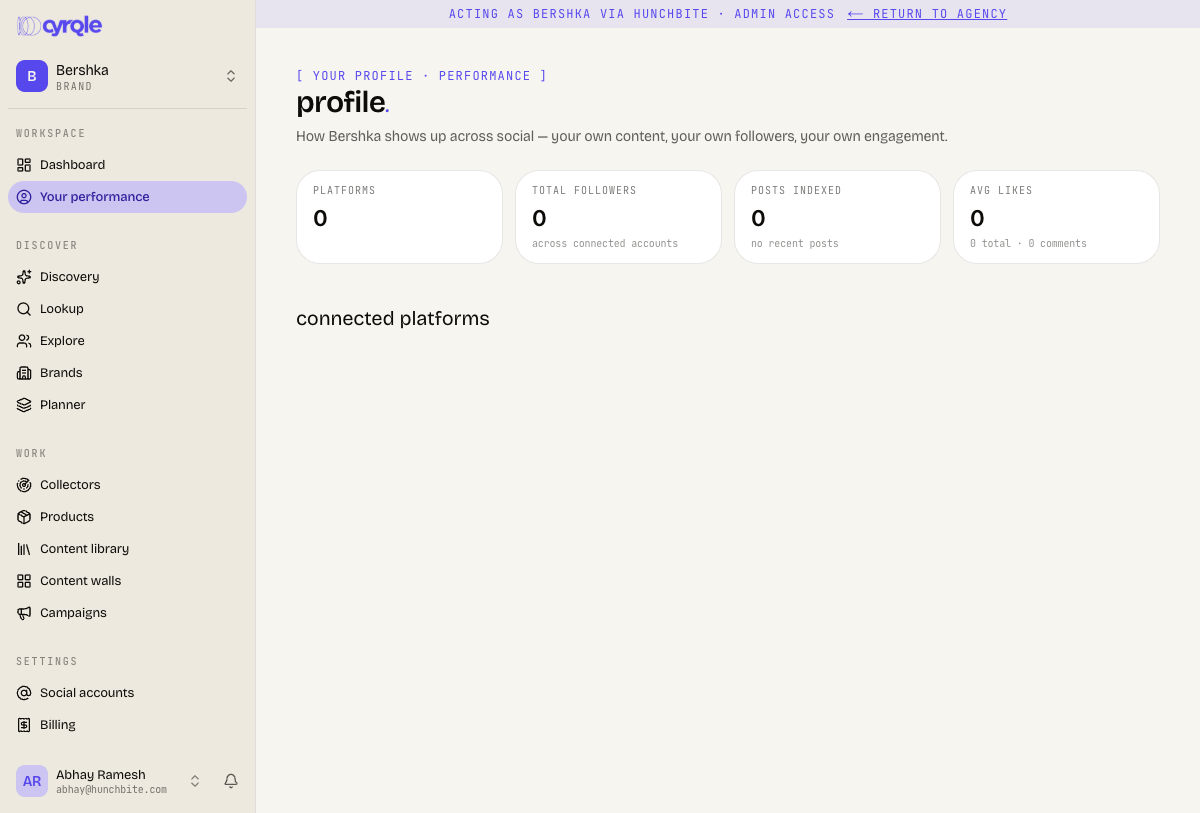
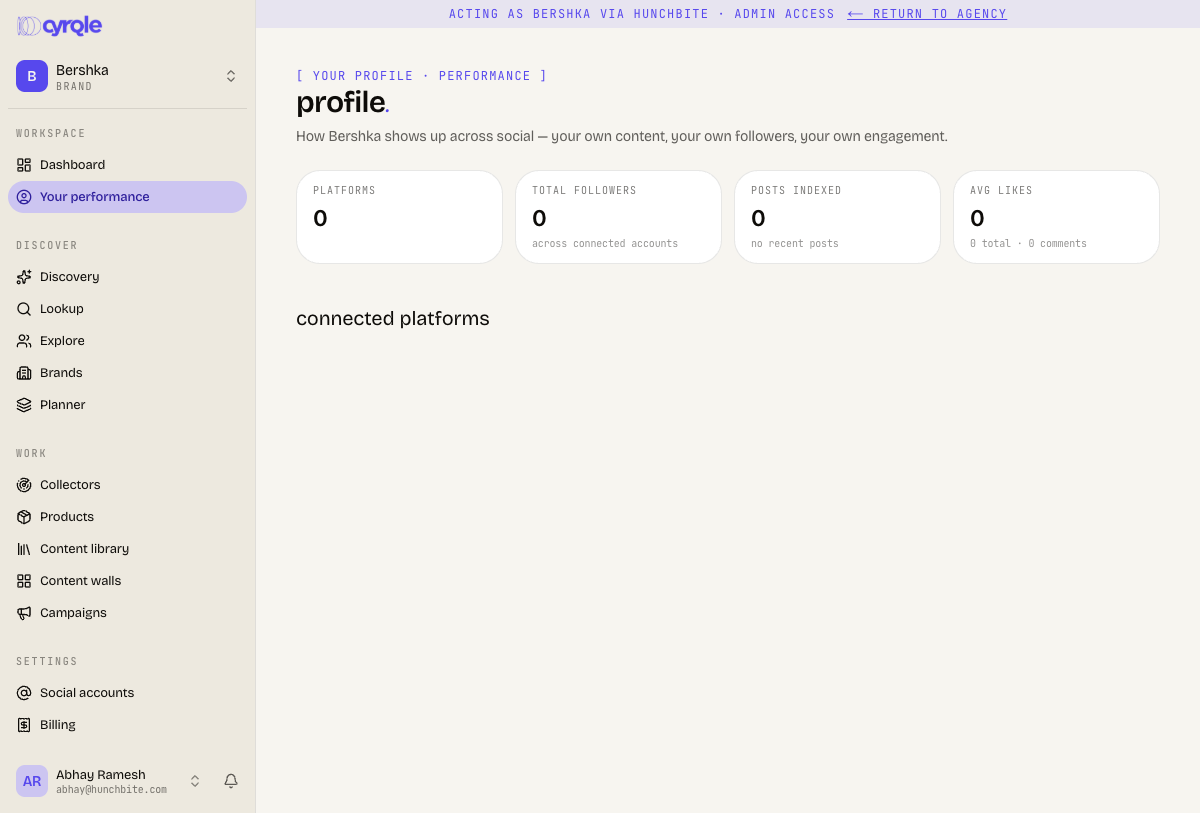
At the top of the page you'll see your profile header (your avatar, name, handle, and — if available — your bio, business category, and country), followed by a strip of four key numbers:
Prop
Type
Large numbers are shortened — for example 12.3K or 4.5M. A dash (—) means there's no data for that figure yet.
See your connected platforms
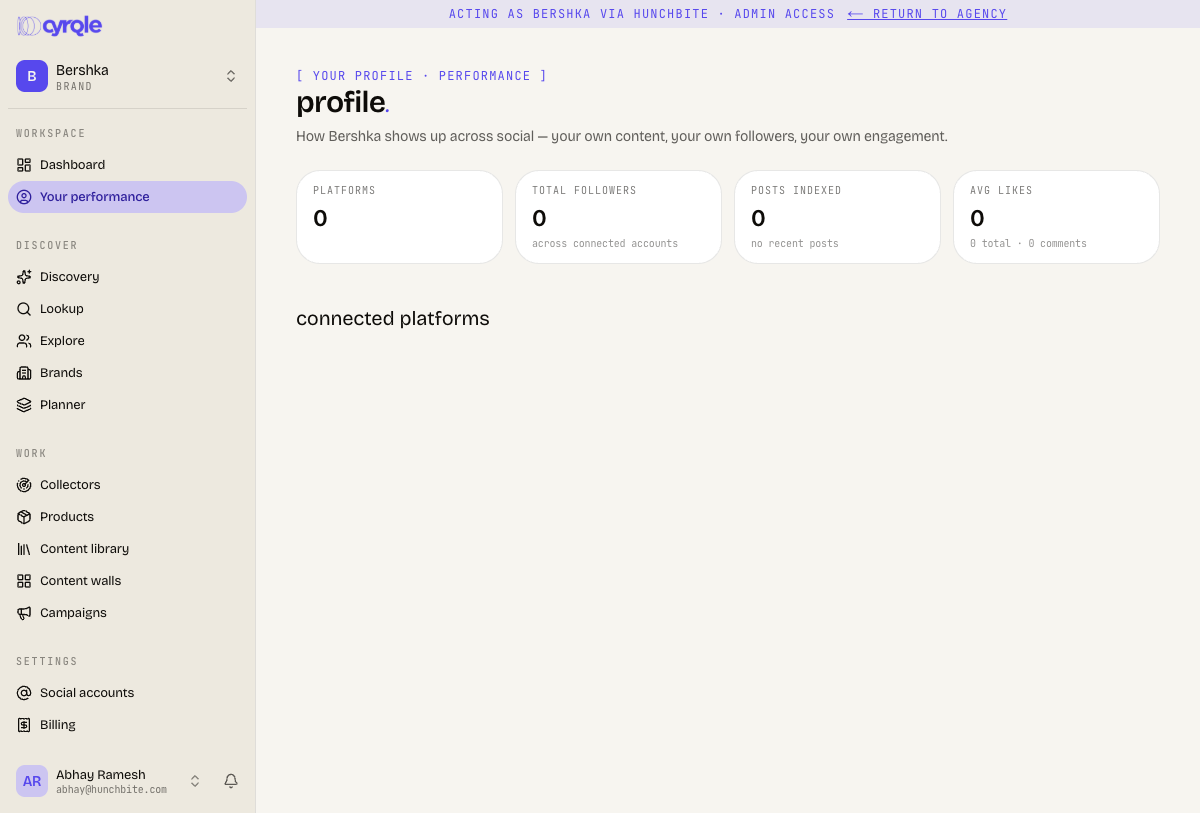
Under connected platforms each account you've linked appears as its own card showing the platform, your @handle, and a status pill (active or otherwise). For accounts where indexing is enabled, the card also shows that account's followers and engagement rate (as a percentage). Click any card to open that profile on the social network in a new tab.
If an account hasn't been indexed yet, the card reads follower and engagement indexing not enabled instead of showing those numbers.
Find your top-performing content
The top performing content section shows a grid of up to 12 of your posts, ranked by engagement (a post's likes plus its comments, with comments weighted more heavily). Each tile shows the post's cover image with its like and comment counts overlaid; click a tile to open the original post in a new tab.
This section only appears once Cyrqle has indexed some of your posts. If nothing has been indexed yet, it's hidden.
Tips
- The numbers here describe your brand's own accounts — they update only as Cyrqle indexes your connected profiles, not as your campaigns run.
- Don't see followers or engagement on a platform card? That account's indexing isn't enabled yet. Connect or enable indexing for the account to populate those figures.
- For campaign outcomes — ROAS, sales, and which creator drove each sale — go to the campaign and open its Attribution tab.
- Click through any platform card or content tile to view the live profile or post on the social network itself.