UGC content library & rights
Ask creators for permission to reuse their posts, track every request, and read the licences your brand holds.
The page has exactly two tabs.
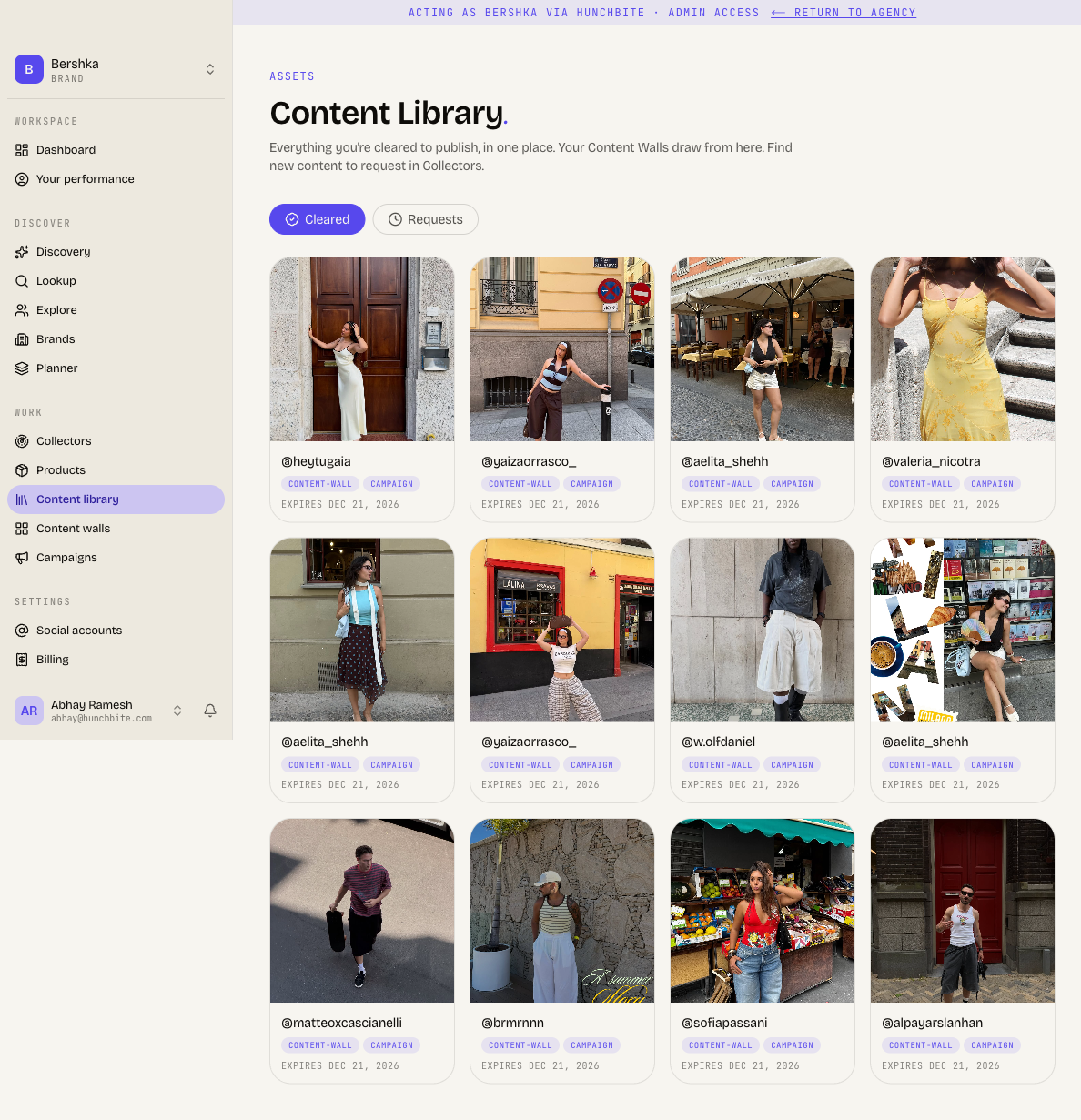
- Cleared holds the licences the brand has been granted.
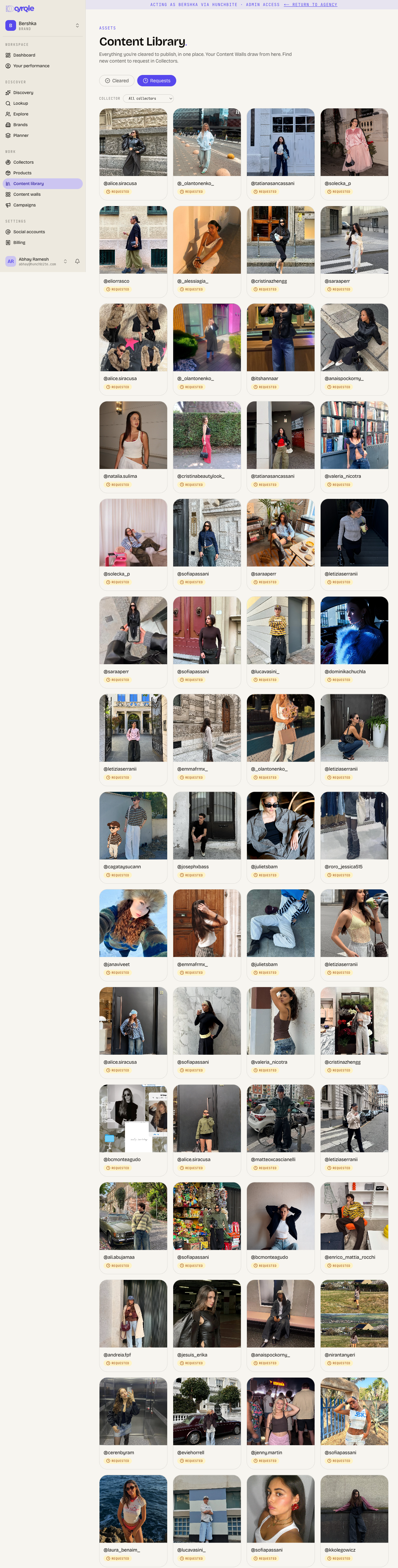
- Requests holds the asks that are still waiting on a creator.
Content walls draw from Cleared. You find new content to ask for in UGC collectors.
Before you start
- The library is open to brand and agency workspaces only.
- You need the editor level to request rights. You need the admin level to change a collector's automatic rights policy.
- Cyrqle can only email a creator who has a contact email on file. Without one, you send the link by DM yourself.
- You request rights from UGC collectors, not from this page. The library tracks and resends.
Steps
A post reaches a content wall only after the creator grants the licence.
Request rights on a post
Every path below sends a real email to the creator the moment you click. There is no preview, no confirmation dialog and no undo. Read the post and the creator handle before you click.
Open a collector
In the sidebar, click UGC collectors, then open the collector holding the post.
Pick the posts
Click Request rights on one card, or select several cards and use the bulk button.
Read the result
Cyrqle reports how many creators it emailed and how many need a DM.
Send the rest by DM
Click Download CSV for the creators with no email address. Each row carries that creator's own grant link. Send each link by DM.
A request to a creator with no email address sends nothing. Cyrqle mints the link and marks the post requested, which looks the same as a real send. If nobody downloads the CSV and sends the link, the creator never learns you asked.
What the creator sees
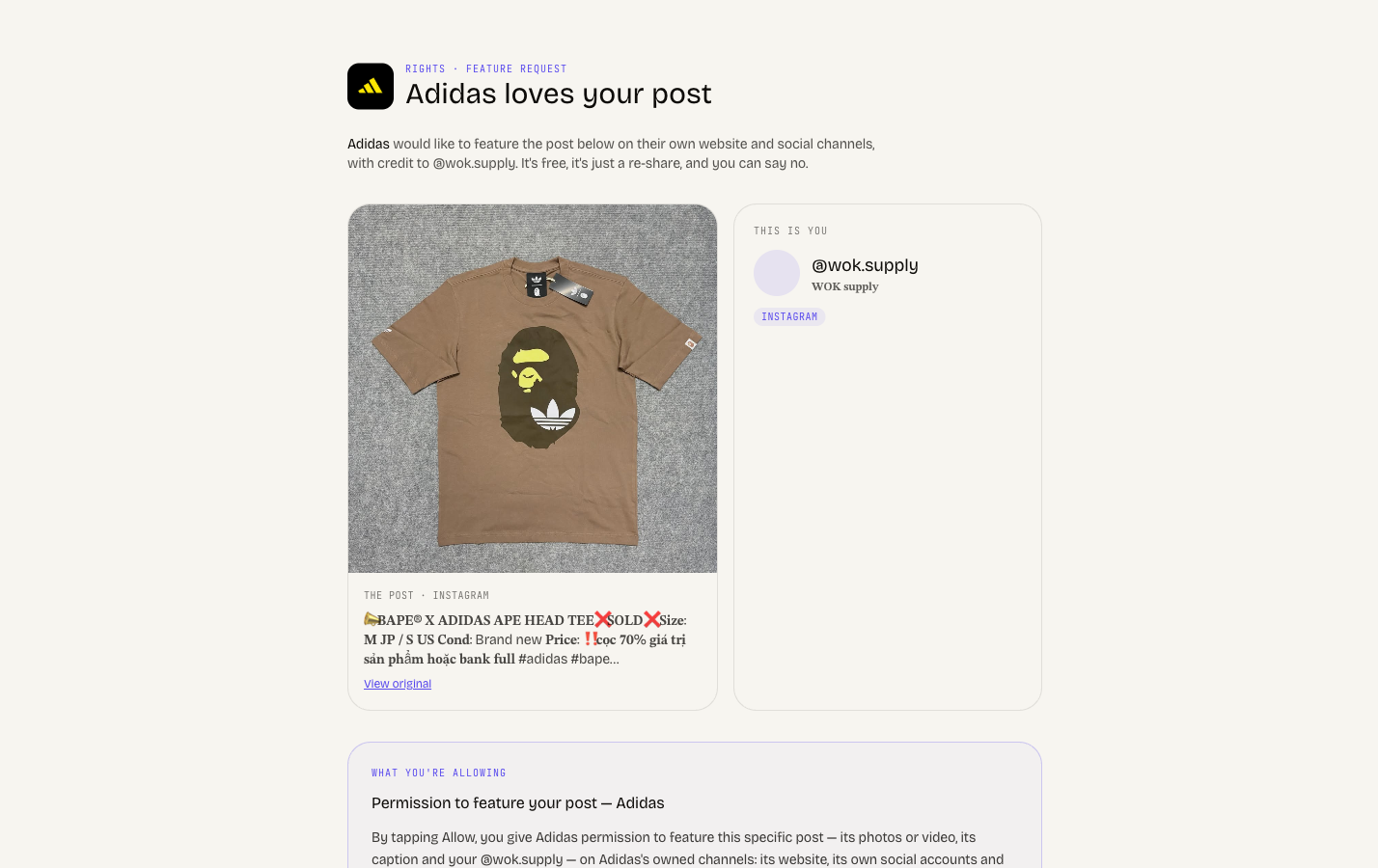
The link opens a public page. The creator does not need an account.
The page shows your brand name and logo, the post, and the terms. The creator clicks Allow ... to feature this, with your brand name in the button or No thanks. Cyrqle then offers to create a creator account, which the creator may skip.
The licence is written the moment the creator clicks Allow, before the account step. A creator who abandons that step has still granted the rights.
A creator who returns to the same link later can withdraw. Withdrawal removes the post from your live walls on the next render.
Withdrawal works one link at a time. A creator who granted ten posts needs all ten links to withdraw all ten.
Track open requests
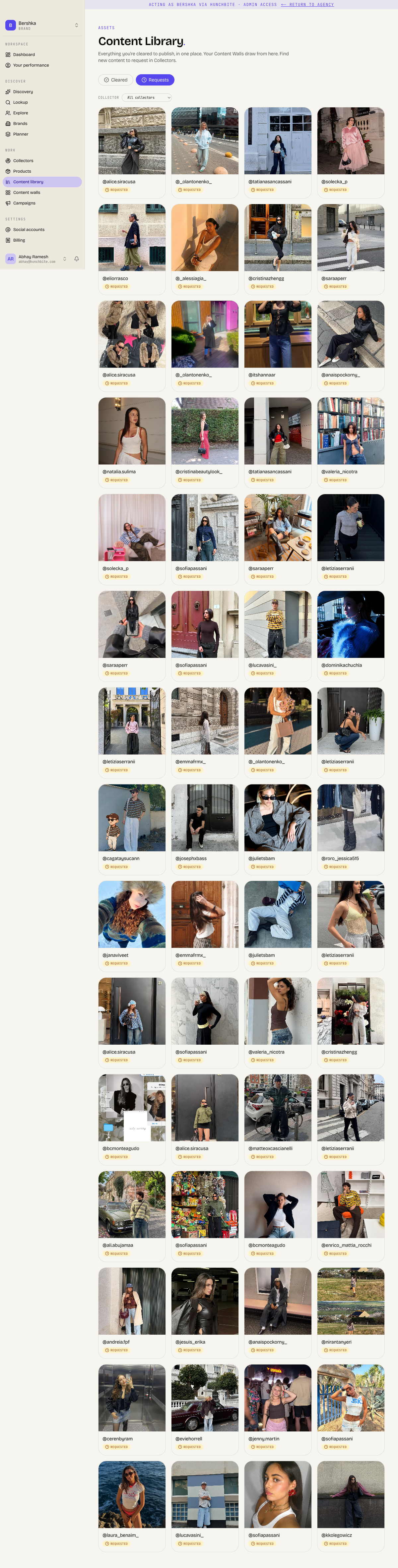
Open the Requests tab. Each card shows the post and a requested chip. Filter the grid by collector.
Open a card to see the detail panel. It shows the channel (Emailed or Manual DM), when the request went out, and when the link expires. From there you can:
- click Copy link to send the link by DM;
- click Resend email to email the creator again;
- click Refresh link to extend an expired link.
What a resend does
- A resend reuses the same link and extends its expiry. A link that leaked in a forwarded email stays usable, and an expired link becomes usable again.
- Resend all re-emails every open request in the queue, not only the rows on screen. Your browser asks once to confirm. There is no progress bar and no cancel.
Export your requests
Click Export CSV. Cyrqle exports every request that matches your current filter, up to 2,000 rows. The grid shows 120 rows at a time, so the export is usually larger than what you see.
Export CSV is billed per row, every time. Exporting the same filter twice bills you twice. There is no cost preview.
Read the Cleared tab
Each card shows the cover image, the creator handle, where the licence came from, what the licence covers, and either an expiry date or perpetual.
The origin chip reads UGC for a rights request and Campaign for a signed contract. It reads Fan for a fan activation, and Manual when someone on your team granted it.
What the Cleared tab does not tell you
- The tab is not filtered by status. Expired and revoked licences appear beside active ones, and look identical. A creator who withdrew still shows here.
- The tab stops at 60 rows. There is no paging and no total. A brand with 500 licences sees 60 and no sign that more exist.
Pitfalls
- A declined request can never be sent again. After a creator clicks No thanks, you cannot ask a second time for that post.
- An approved post is not a publishable post. A content wall publishes a post only while the brand holds an active, unexpired licence for it. See Content walls.
- An expired licence removes the post from your live walls at once, with no warning. Cyrqle sends no expiry notice and shows no "expiring soon" list.
- Declined and expired requests vanish from the library. There is no Declined tab, no Expired tab and no count. A request that disappeared has expired.
- A bounced email looks exactly like an ignored email. Cyrqle does not yet report bounces. If a creator never answers, send the grant link by DM instead.
- Changing the collector filter on the Requests tab clears your selection. Select shown selects the loaded rows only.