Content library
The single home for the creator content your brand is cleared to publish, plus the rights requests you are still waiting on.
The Content Library is where every piece of creator content your brand has the rights to use lives in one place. It is specifically a rights and licensing library for creator posts (UGC), not a general file store for your own brand logos or design files. When a creator grants you permission to use one of their posts, that post lands here as cleared content, ready for your Content Walls to publish.
The page has two tabs:
- Cleared — the licences you currently hold. This is what your Content Walls draw from.
- Requests — the permission asks you have sent that are still pending a creator's reply. This tab is a status view, not a place you push content from.
Before you start
You reach the library at /<your-workspace>/library. To have anything here, content first has to be cleared for rights — that happens through Collectors (where you request rights on a post), campaign contracts, or fan activations. If both tabs are empty, start in Collectors to find and request content.
Browse cleared content
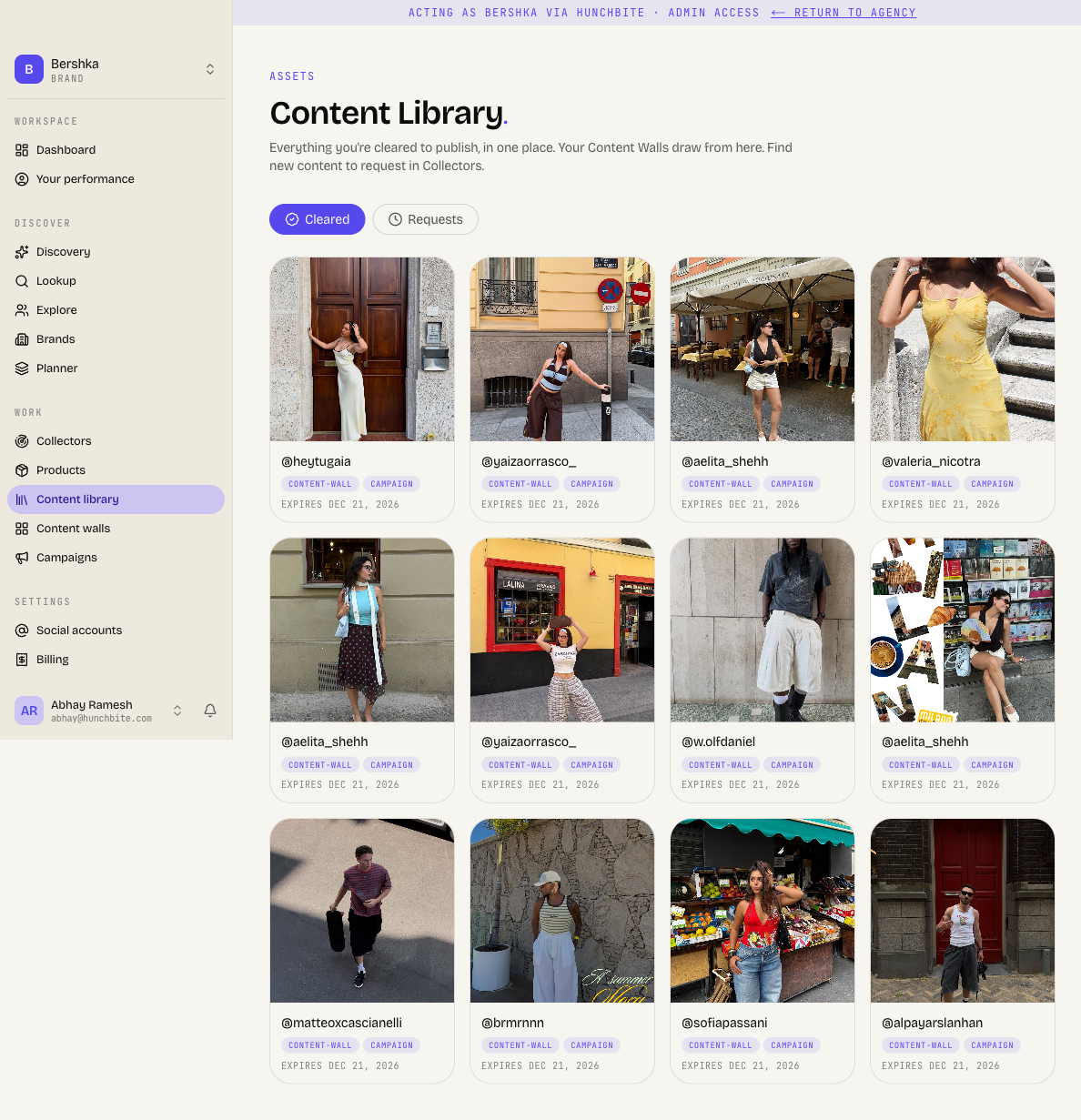
The Cleared tab shows a grid of every post your brand is licensed to use.
Open the library and stay on the Cleared tab (it is selected by default).
Each card shows the post's cover image, the creator's handle, the usage scope tags (what you are allowed to do with it), and either an expiry date or a perpetual label if the licence never lapses.
To publish any of this content, head to your Content Walls — walls draw their content directly from this cleared pool.
What the tags mean
The small tags on each cleared card are the usage scope granted by the creator (for example, which uses the licence covers). The line underneath tells you when the licence expires, or shows perpetual when there is no end date. Always check these before reusing a post.
Track your pending requests
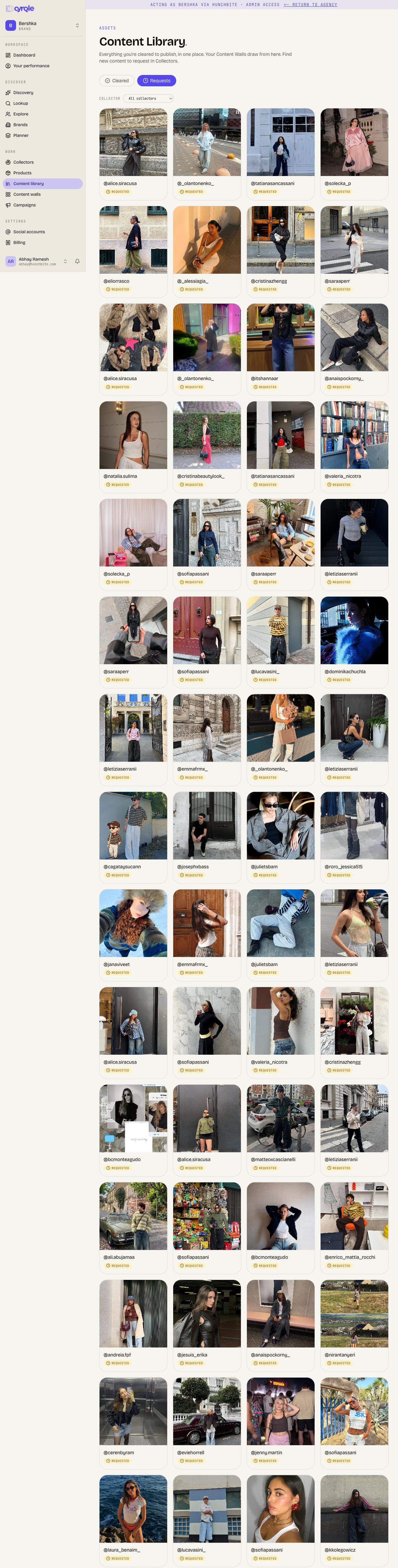
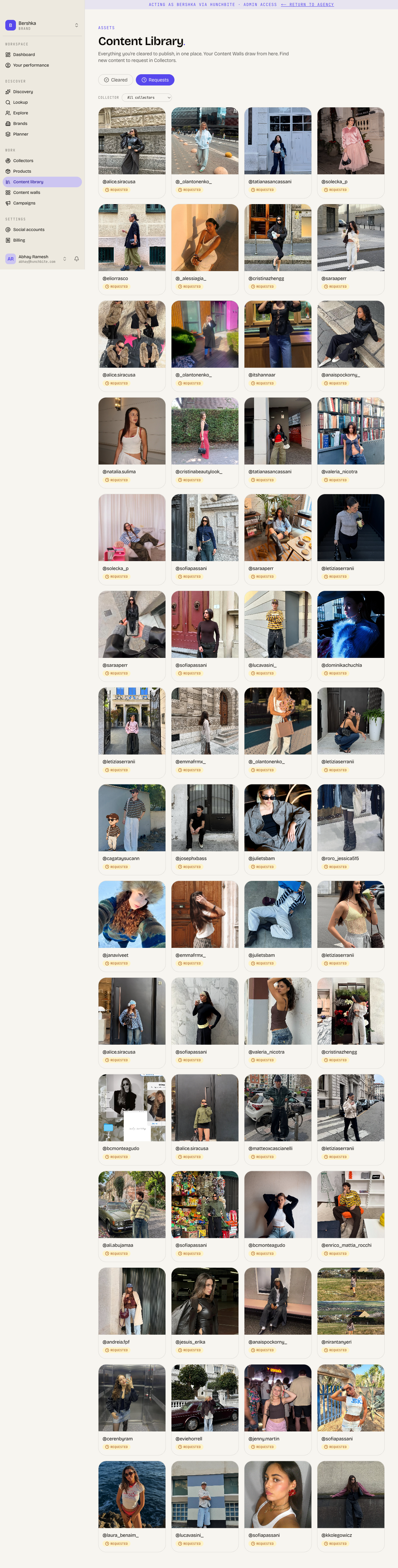
The Requests tab lists the rights asks you have sent that a creator has not yet answered. Each card is marked requested and stays here until the creator allows or declines.
Switch to the Requests tab.
If you run more than one Collector, use the collector dropdown at the top to filter the requests down to a single collector, or leave it on All collectors.
Click any card to open its detail panel. There you can see which channel the ask went out on (email or manual DM), when it was sent, when the grant link expires, copy the creator's grant link, resend the email or refresh the link, and open the original post.
Resend asks in bulk
Use the checkbox in the corner of each card to select requests, or click Select shown to tick everything currently loaded.
Click Resend to re-send the selected asks. Cyrqle re-emails the ones on email and refreshes the grant link for the rest, then reports how many were re-emailed, relinked, or skipped.
Export your requests
Click Export all pending to download a CSV of every pending request, including the creator's email or phone where known, the post URL, the grant link, and when each request was sent and expires.
The grid shows a page, the export covers everything
The Requests grid loads up to 120 cards at a time (use Load more for the rest), but Export all pending always pulls every pending request server-side. If your export is very large, the message will suggest narrowing by collector to get the remainder.
How content arrives in the library
You do not upload content to the library yourself. A post becomes cleared content the moment a creator grants you rights, which can happen in three ways:
- Through a rights request you sent from Collectors, once the creator approves it.
- Through a campaign contract, when a creator delivers content under an agreed campaign.
- Through a fan activation, when a fan grants rights to a post.
Until a creator responds, the ask sits in the Requests tab. Once granted, it moves to Cleared and is immediately available to your Content Walls.
Tips
- Treat Cleared as your publishing-ready shelf and Requests as your waiting room.
- Check the expiry line on a cleared card before you build it into a wall, so you do not publish content whose licence has lapsed.
- If a creator is not responding, open the request and either resend the email or copy the grant link to send it yourself over DM.
- New content does not start here. To grow your library, go to Collectors and request rights on the posts you want.