Managed brands
Create a brand workspace for a client who is not on Cyrqle. Your agency holds an Admin link at once, and you can hand ownership over later.
Before you start
Check your agency licence first. A managed brand created while your agency has no active licence gets no licence of its own. The workspace opens, every cap reads zero, and campaigns cannot be launched. Nothing on screen explains why.
- You need the agency owner or admin role. Cyrqle answers "Only agency owners or admins can create managed brands." otherwise.
- Pick the workspace handle before you start. The handle becomes the client's address and you cannot reuse a taken one.
- Have the client's contact email ready if you want to hand the workspace over later.
- Create a managed brand when the client is not on Cyrqle. Use Request access when the client already has a workspace.
Create the workspace
Open the form
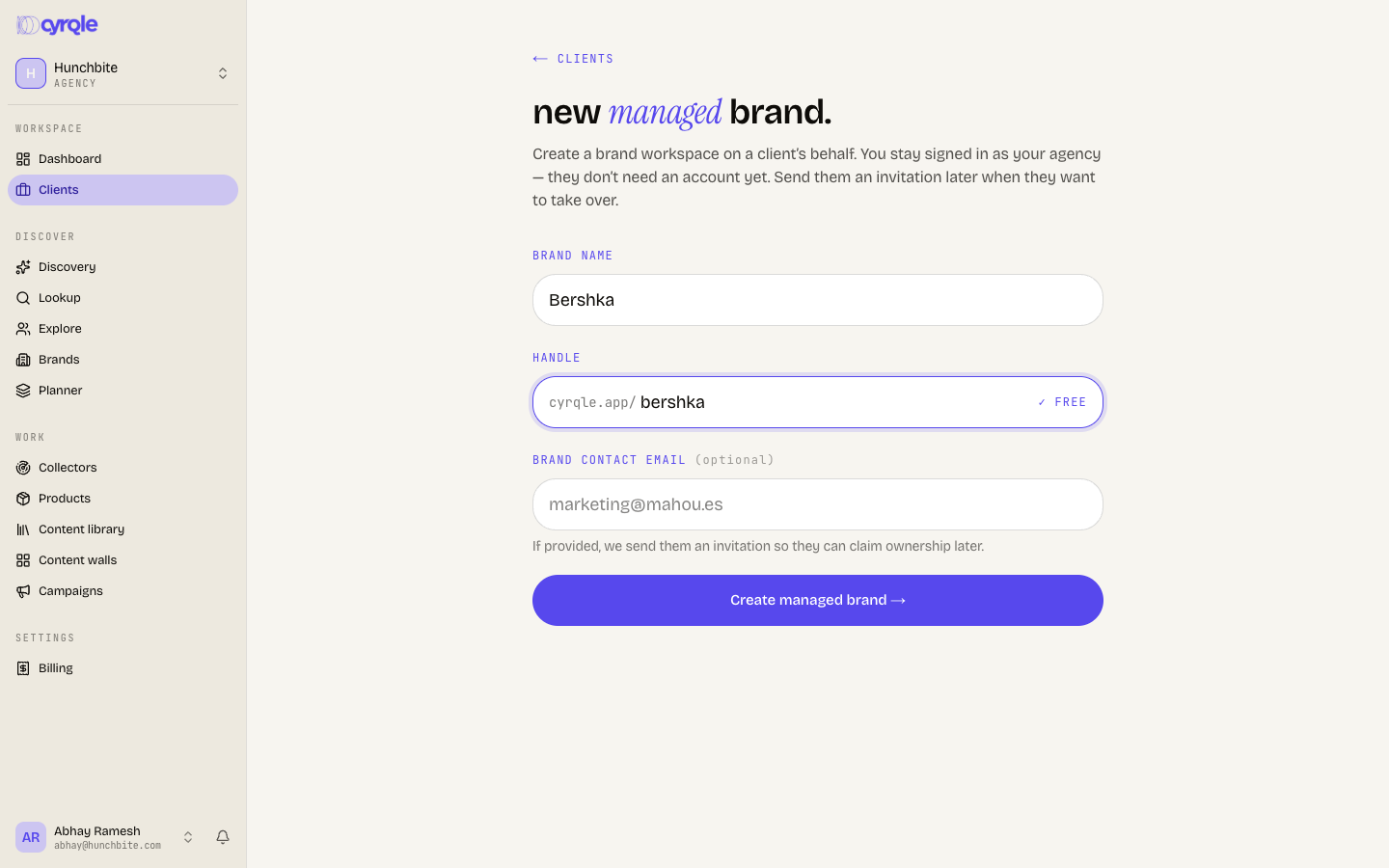
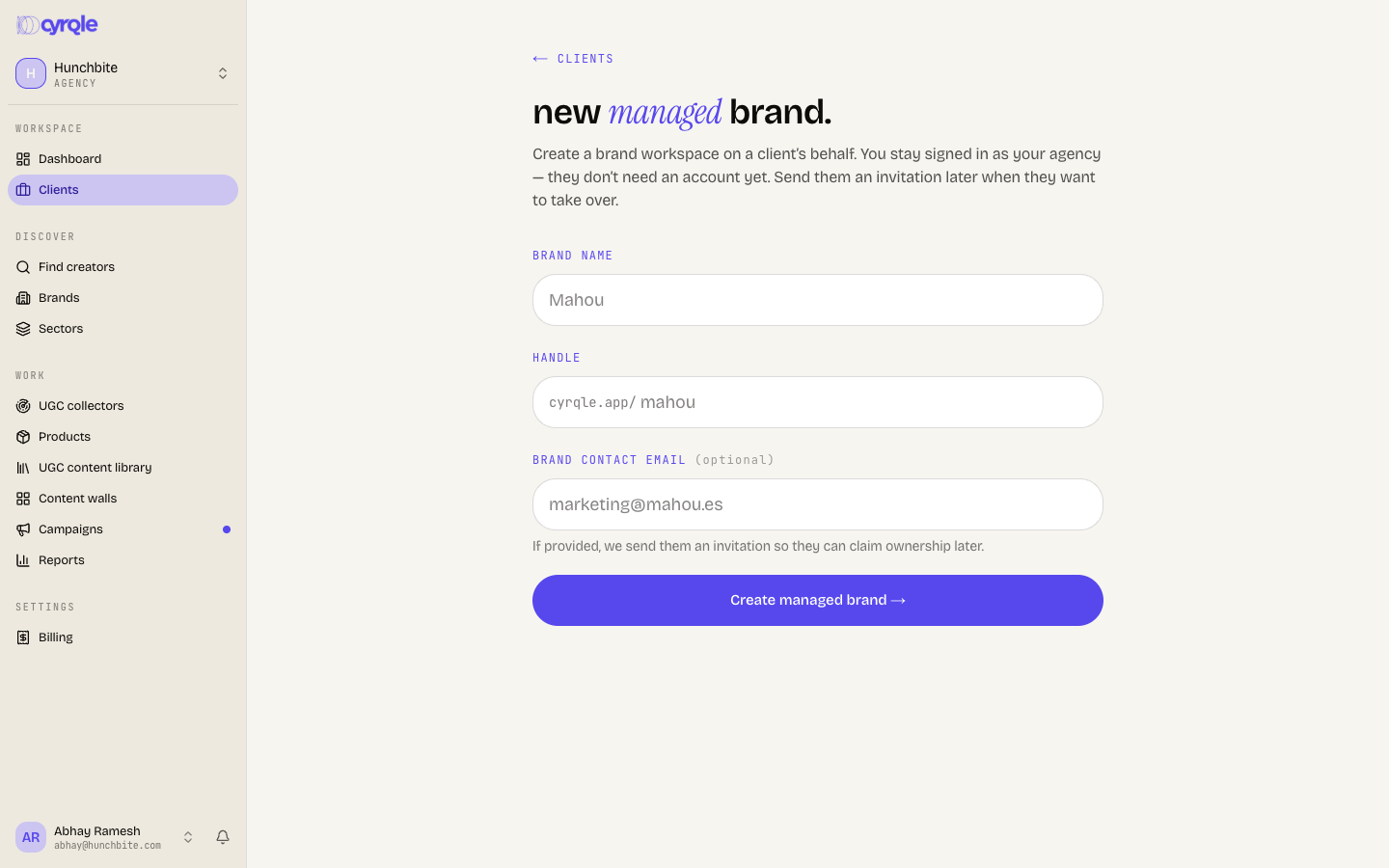
Click Create managed brand → on the dashboard or on the Clients page.
Name the brand
Enter the Brand name. It must be 2 to 64 characters.
Choose the handle
Enter the Handle. The badge reads checking…, then free, taken or invalid.
Add the client contact
Enter the Brand contact email. This field is optional. Cyrqle creates an owner invitation for that address.
Create it
Click Create managed brand →. Cyrqle confirms "workspace created" and shows the new address.
Hand the workspace over
The client claims ownership through an invitation link. Cyrqle builds the link. You deliver it.
Cyrqle does not email the brand contact. The success screen shows the message "We've created an owner-invitation for" and the contact address. Below it sits the link and a Copy button. Copy the link and send it yourself.
Copy the link
On the success screen, click Copy.
Send the link
Send the link to the client in your own email or chat.
Ask them to accept
The client opens the link, signs in or signs up, and becomes the owner of the workspace.
- The owner invitation expires after 14 days. Other Cyrqle invitations expire after 7 days. Re-issue an expired invitation from the brand's Team page.
- If the invitation cannot be created, the workspace is still created and the message reads "Workspace created, but the owner invite couldn't be sent. Re-issue it from the brand's Team page."
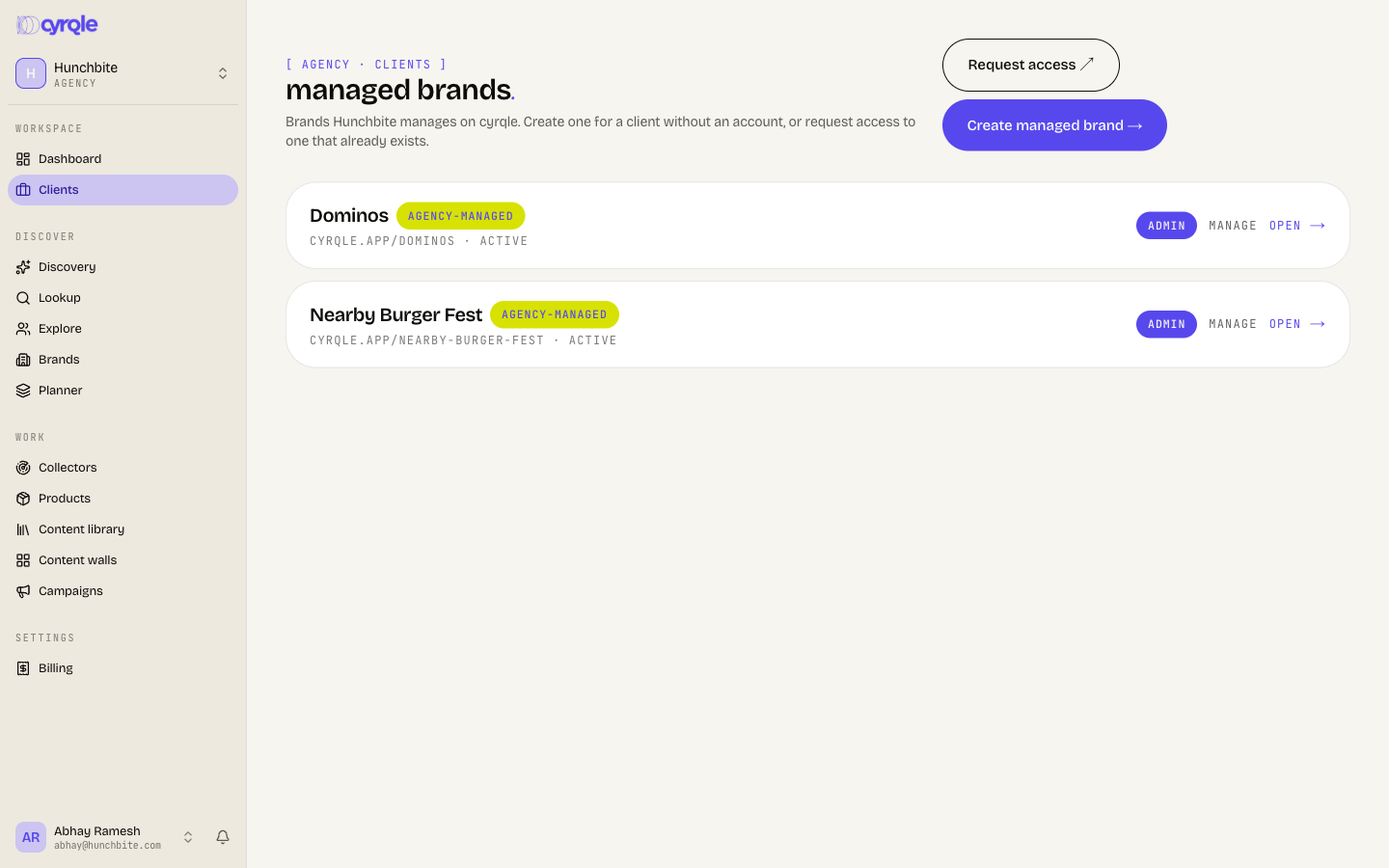
Until the client claims ownership, your agency keeps admin access through the link. The Clients list marks the brand agency-managed while it has no members of its own.
Who is billed
A managed brand is covered by your agency contract.
- Cyrqle gives the brand a licence that bills to your agency, drawn from your agency plan.
- Everything the brand uses counts against your agency. Creator records, scrapes, reports and collector runs are all charged to the agency.
- Your agency Billing page shows a managed brands table with one row per brand, and the note "Caps and usage are per-brand. Bills roll up to this workspace."
- Inside the client workspace, Billing reads "Covered by" and your agency name.
- Caps are per brand and seats are not pooled. Five managed brands do not share one campaign allowance. Each brand carries its own caps and each brand needs its own seats.
- A covered brand shows no usage numbers of its own on its Billing page. Read usage from the agency rollup table instead.
Pitfalls
- Creating a managed brand does not notify anyone at the client company. No email goes out at any point in this flow.
- A brand you created stays on your Clients page even after the link ends, because your agency is recorded as its parent. Your agency cannot end the link itself. Hand the workspace over, then ask the new owner to remove your agency.
- Agency plans are contract-only. If you do not have an active agency licence, contact Cyrqle before you create client workspaces, not after.
Reference
- A managed brand is a normal brand workspace. Every brand feature works inside it. See the brand guide.
- Campaigns belong to the brand, not to your agency. Open the client, then create the campaign.
- To change the level your agency holds on a claimed brand, ask the brand owner. They change it in Settings, then Linked agencies.